Tarvyx back office
No ERP or CRM? Run orders, stock and invoices in Tarvyx
Catalogue, customers, stock, invoices and shipping documents for the orders Tarvyx takes. Add only the modules you need, one at a time.
From the buyer's message to the invoice
The same order, start to finish, without a second system.
Order desk
From the buyer's message to a reserved order
Taken
The order arrives by email or chat and is matched to your catalogue.
Approved
Your team approves it; the buyer gets a confirmation and a tracking link.
Reserved
Stock is reserved; a product running low is flagged.
Continues in B
Back office
From the invoice to the payment
Invoiced
An invoice as PDF, numbered without gaps, sent from your own mailbox.
Shipped
Marked shipped with the tracking number; the buyer is told and the tracking page updates.
Paid
The payment is recorded, the balance and the statement follow.
From order to invoice, no ERP
Orders, stock and invoices no longer live in three spreadsheets that never agree. One order flows to stock, invoice PDF, shipped mark and payment in Tarvyx. A short clip, recorded on the real product.
Modules, one switch each
Catalogue, customers and order history come with every B2B plan. Modules start from stock; add the next one when you need it.
Catalogue, customers and order history, included on every B2B plan
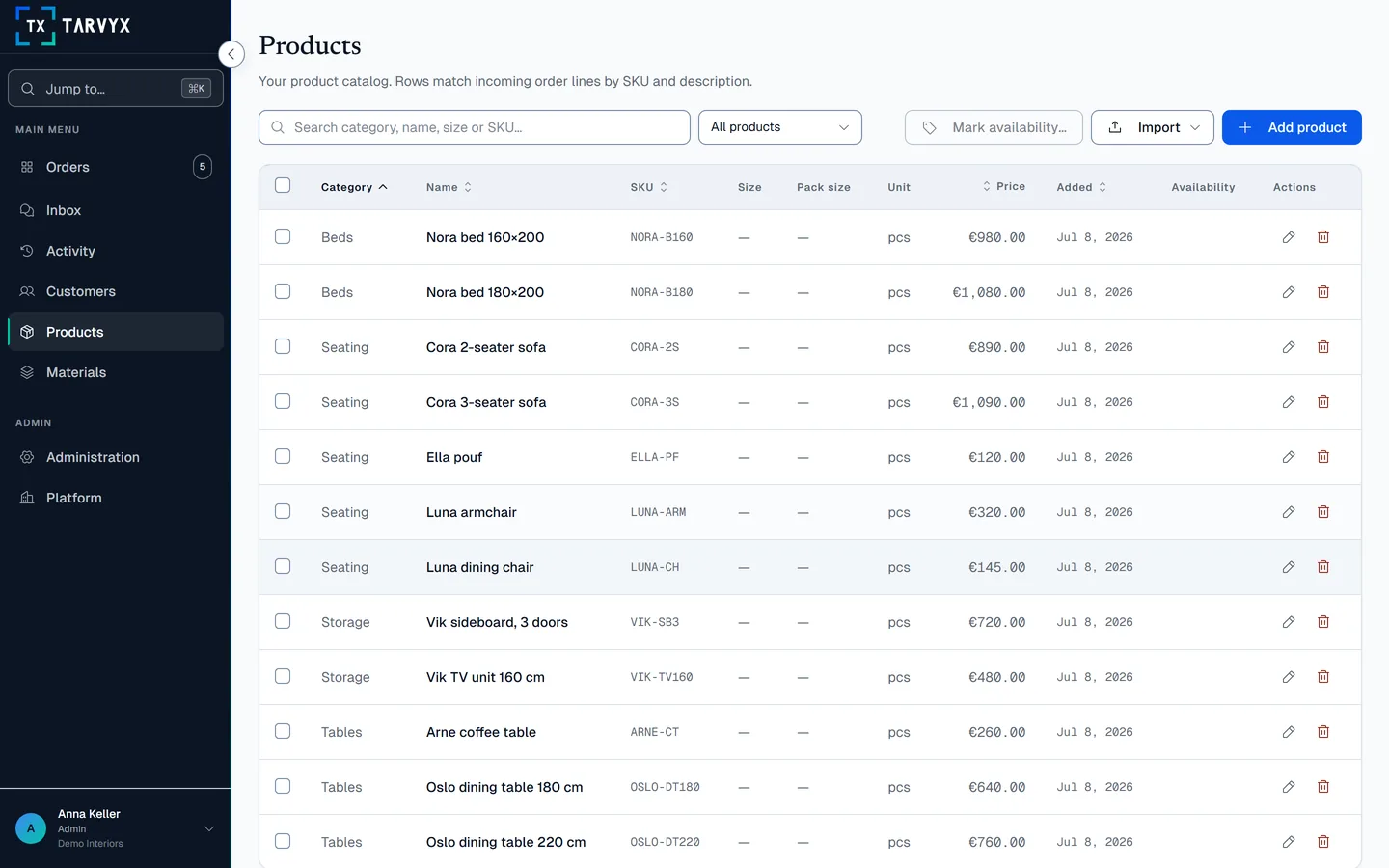
Products with sizes, packs and prices; customers with addresses and contacts; every order with its history.
Stock
On hand, reserved and running low. The bot answers "in stock" from it, never a quantity.
Invoices and payments
Invoices as PDF, numbered without gaps; payments, advances and balances; statements and payment reminders.
Shipping documents
Packing slips, the shipped mark with tracking number, delivery notes. For Ukraine: Nova Poshta waybills and Checkbox fiscal receipts.
Bank import
Import a bank statement; every line comes with a suggested invoice for a person to confirm.
Sales analytics
Orders, revenue and customers by day, week and month.
Exports for your accountant
A ledger CSV and accounting files your accountant imports. A file, never a direct send.
Price lists
Customer price lists applied when the order is matched.
Priced per module
You pay for the modules you switch on, on top of your plan.
Prices in EUR, excluding VAT. Orders without any module still land in your Tarvyx order list: mark them shipped and export them to Excel.
What it is, and what it is not
Tarvyx back office covers what an order desk needs after the order. It is not an ERP.
A good fit
A wholesaler or distributor running orders, stock and invoices in spreadsheets today.
Not a fit
Production planning, purchasing, payroll or full accounting. That is an ERP's job.
Add an ERP later
When you move to an ERP, Tarvyx connects to it and your order desk keeps working.
Related terms: Order-to-cash Order confirmation
Back-office questions
Do I need an ERP to use Tarvyx?
No. Without an ERP or CRM, orders land in your Tarvyx order list, and you switch on back-office modules for stock, invoices, payments and shipping documents. If you already have an ERP, Tarvyx connects to it instead.
Is Tarvyx back office an ERP?
No. It covers what an order desk needs after the order: stock, invoices, payments, shipping documents and exports for your accountant. Production planning, purchasing and full accounting stay with an ERP or your accountant.
How are modules priced?
Each module costs €19 to €49 a month on top of your plan. On Pro every module is 30% off. Prices in EUR, excluding VAT.
Can I start with invoices only?
Yes. Each module is a separate switch, and you add the next one when you need it. The catalogue and customers come with every B2B plan.
What happens to an order if no module is on?
It stays in your Tarvyx order list. You can mark it shipped with a tracking number, the buyer sees it on the tracking page, and you can export orders to Excel.
Can my accountant use the data?
Yes. The accounting export produces a file your accountant imports into their own software. Nothing is sent to their system directly.
Start without an ERP
Tell us how you track orders, stock and invoices today. In a 20-30 minute call we show one order go from the buyer's message to an invoice in Tarvyx.
Order desk with ~200 orders a month or more? Ask about the free pilot
- Add only the modules you need, one at a time
- Prices in EUR, excluding VAT
- Set up in 1-5 working days